
Shroom and Gloom on Steam Deck
Steam puts an Unsupported label on the game, and Deck owners buy it anyway. Both are telling the truth about something different: the label is about performance, and the players are mostly talking about whether it runs.
What Steam’s compatibility report says
Steam publishes its compatibility result for each game as a short list of test notes. For this game the report holds three separate entries, only the first of which is about the Deck (from Steam Deck compatibility report for Shroom and Gloom (Steam store data)).
| Hardware | What the report records |
|---|---|
| Steam Deck | Rated Unsupported, with one note: graphics performance |
| SteamOS on other devices | One note: the game starts up |
| Steam Machine | Three notes: on-screen controller icons don’t match the device, the default controller configuration is fully functional, and the default configuration performs well |
Read the Deck row narrowly. It does not say the game crashes, fails to launch or cannot be controlled; it names performance and nothing else. The Steam Machine entry reads better for controller play, but it describes different hardware and says nothing about the Deck.
One report, three verdicts
What Deck owners report
| Verdict | What they said | Source |
|---|---|---|
| Runs fine | Says they have no idea why it is rated Unsupported, because it works fine for them. | A Steam user review |
| Runs fine | Runs very well on the Deck, though the reviewer found no native controller input. | A Steam user review |
| Mostly fine | Some minor stuttering when a lot of sprites and cards are on screen at once. | A Steam user review |
| Choppy | Frame rate is wonky, and calling it fine, as other reviews do, is a stretch. | A Steam user review |
| Choppy | 30 to 40 fps with ambient occlusion on, around 40 with it off, and unstable pacing either way. | A player in Steam discussion: Steam Deck performance? |
The one setting players change
The player who measured frame rates above got around 40 fps with ambient occlusion off, against 30 to 40 with it on, while calling both unstable. The same thread says the graphics menu is thin, and that dropping the resolution is not a good trade because the card symbols and text are already small. The developers haven’t published recommended Deck settings.
Playing cards on the Deck
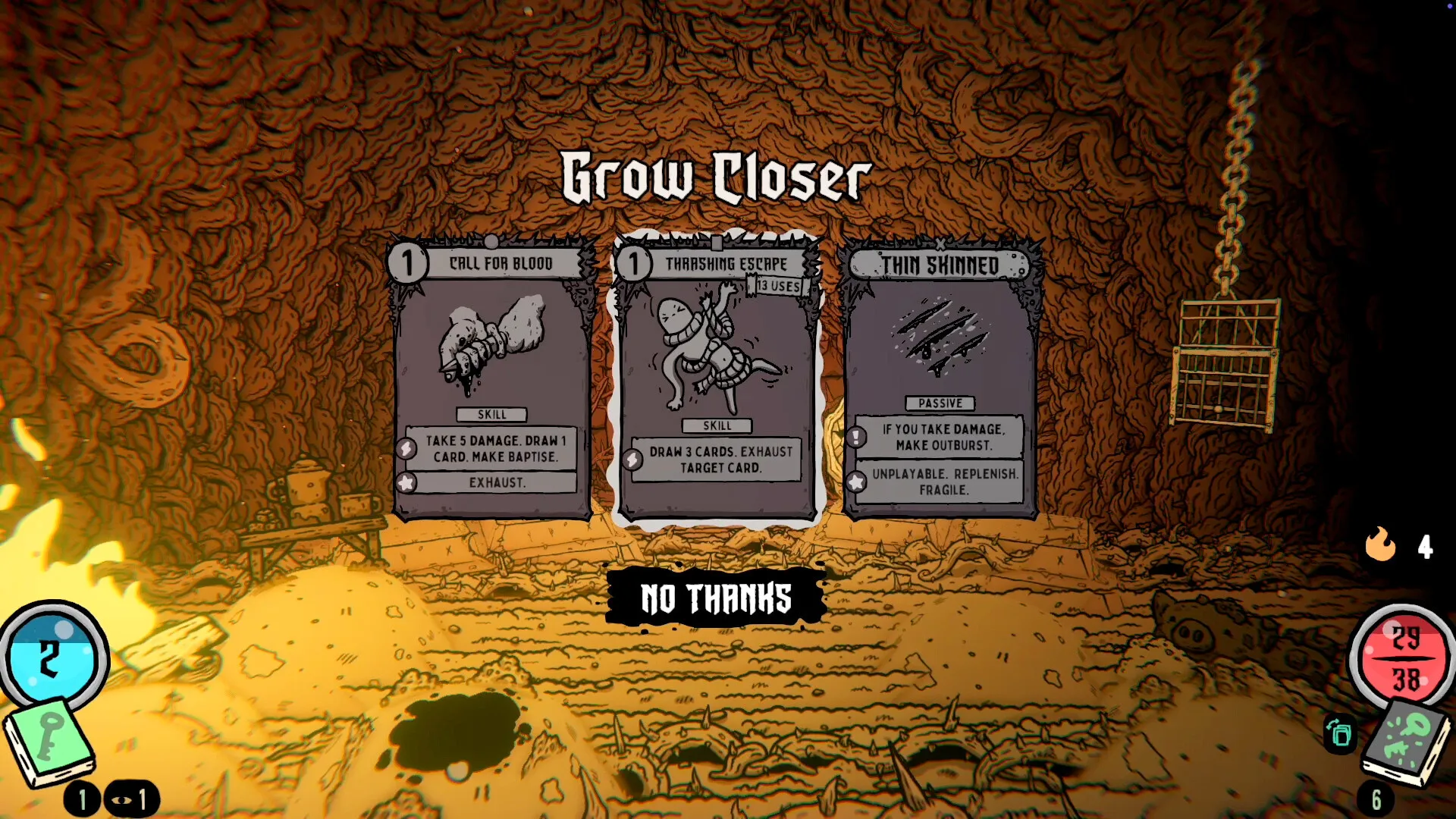
Cards are dragged onto targets, which on a Deck gives you three ways to do it. While the game was a demo, the developers listed the trackpad, the right stick and the touchscreen, said the right stick felt too sensitive and would be fine-tuned, and named touch as their own favourite (in Steam discussion: Is this game designed for keyboard and mouse?). Early Access added a tool aimed at exactly this screen size: “We’ve also added a card inspector, which should help when playing the game on handheld devices” (in Steam announcement: Shroom and Gloom explodes into Early Access!).
One Deck player still asks for analog-stick card play, because reaching from the leftmost card to one on the far right of a big hand is awkward (in a Steam user review). If you would rather use the sticks for everything, the known gaps in controller play, like hovering on the map, are on the controller support page.
Stopping mid-run
Early Access saves for you at set points, which matters when a handheld session ends on the battery’s terms: “Each time you win a fight, or escape a dungeon your progress will be auto saved!” (in Steam announcement: Shroom and Gloom explodes into Early Access!). If you need to quit the game outright, do it right after one of those. New to runs? Start with the beginner guide.
Other handhelds
Windows handhelds are not covered by Steam’s Deck rating at all. Two players’ Legion Go numbers are on the Switch page, written for people looking for a portable way to play, and the desktop minimums are on system requirements. For Linux on a desktop, see the Linux notes on the platforms board.